Thailand Digital Arrival Card (TDAC): How to Fill It In
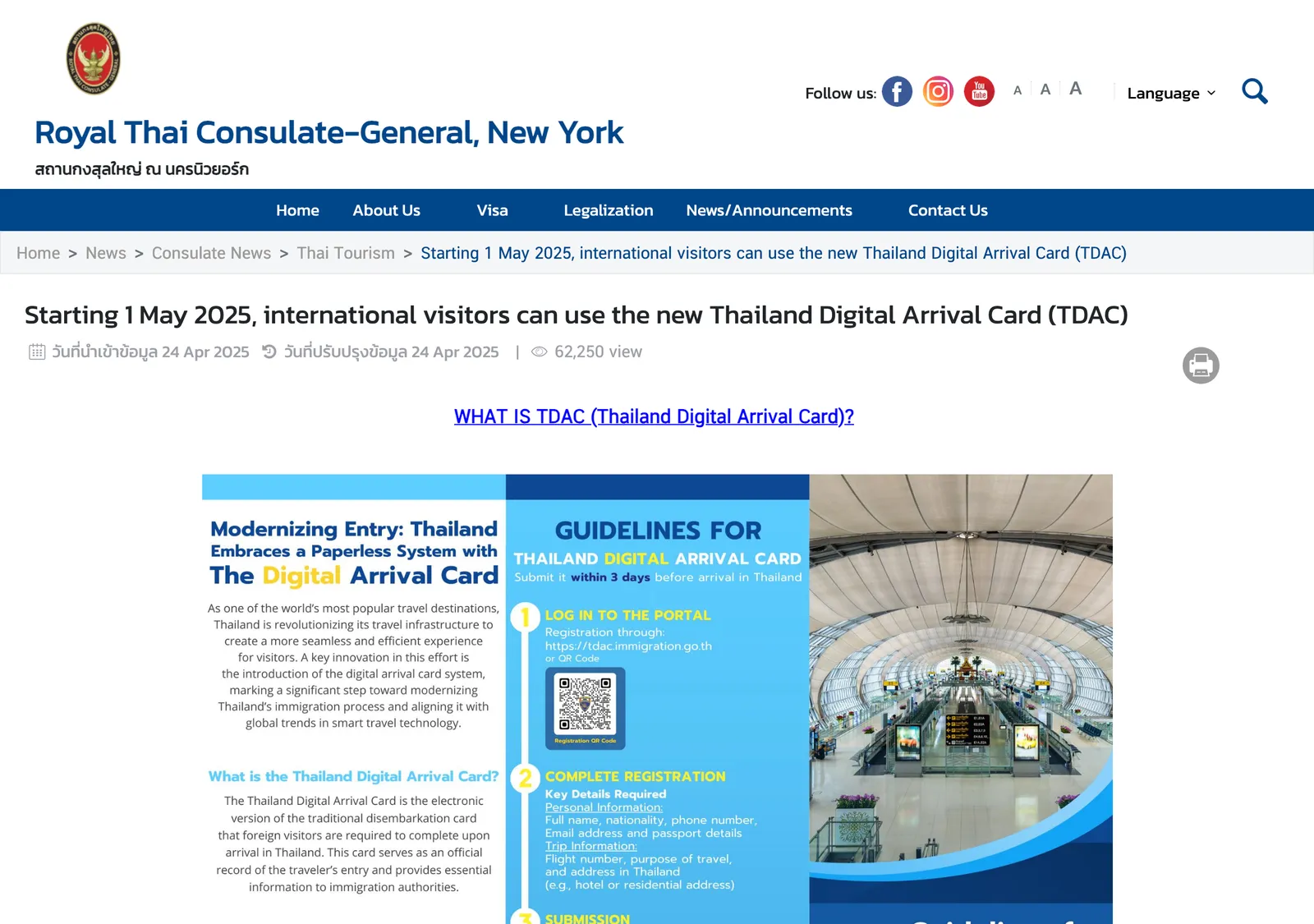
The Thailand Digital Arrival Card (TDAC) is a free online form that all non-Thai nationals must complete within 3 days before arriving in Thailand by air, land or sea. It replaces the paper TM.6 card, is not a visa, and is submitted again for every entry.
On this page
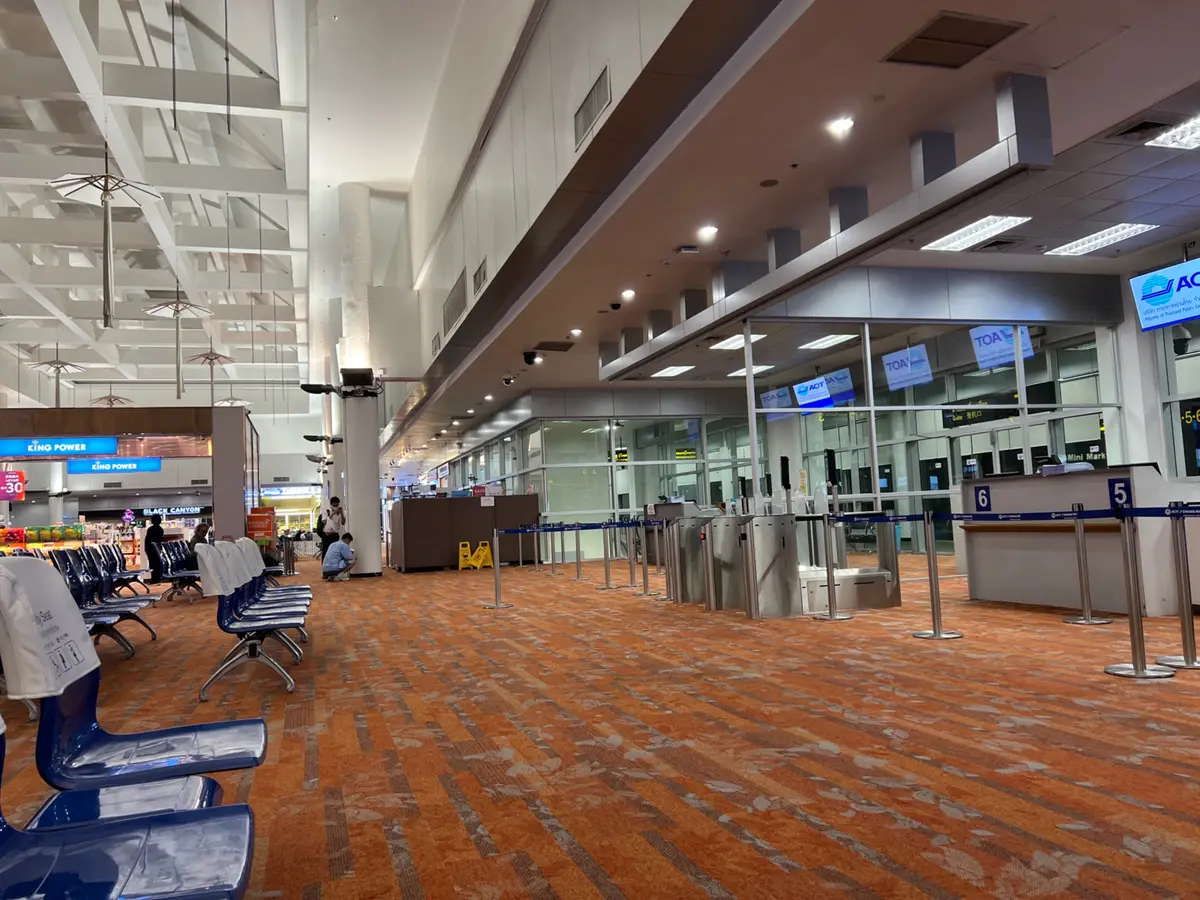
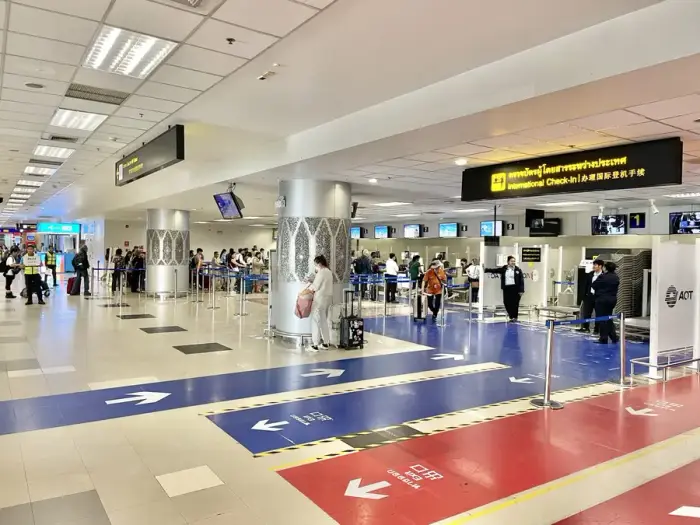
At the immigration booths in Chiang Mai the paper arrival card is gone. The Thailand Digital Arrival Card (TDAC) replaces the TM.6 form, and completing it online is mandatory for all foreign nationals before arrival. Have the confirmation ready to present.
Who has to submit a TDAC
From 1 May 2025 all non-Thai nationals entering Thailand by air, land or sea are required to complete the TDAC online. That covers tourists, business travellers and long-term residents. It also covers travellers who enter without a visa under the visa exemption scheme.
Children and infants file too, and a parent or guardian completes the form for them. The only exceptions are these three:
- Thai nationals returning to Thailand.
- Travellers transiting or transferring through Thailand without passing through immigration control.
- Travellers entering with a Border Pass.
A transit passenger who passes the immigration checkpoint and leaves the airport does need a TDAC. The form is not a visa, so travellers who need a visa still apply for one. See Thailand visa types for the routes.
When to submit it, and what it costs
The registration must be done within 3 days prior to arrival. The official site repeats this: foreigners submit their arrival card information 3 days in advance of their arrival date.
That is a three-day window preceding the travel date, and the card is valid for one entry, up to 72 hours before entry. A card filed earlier falls outside the window. The form can be completed right up until you go through immigration, so filing at the airport works if you forgot, but the window is the plan.
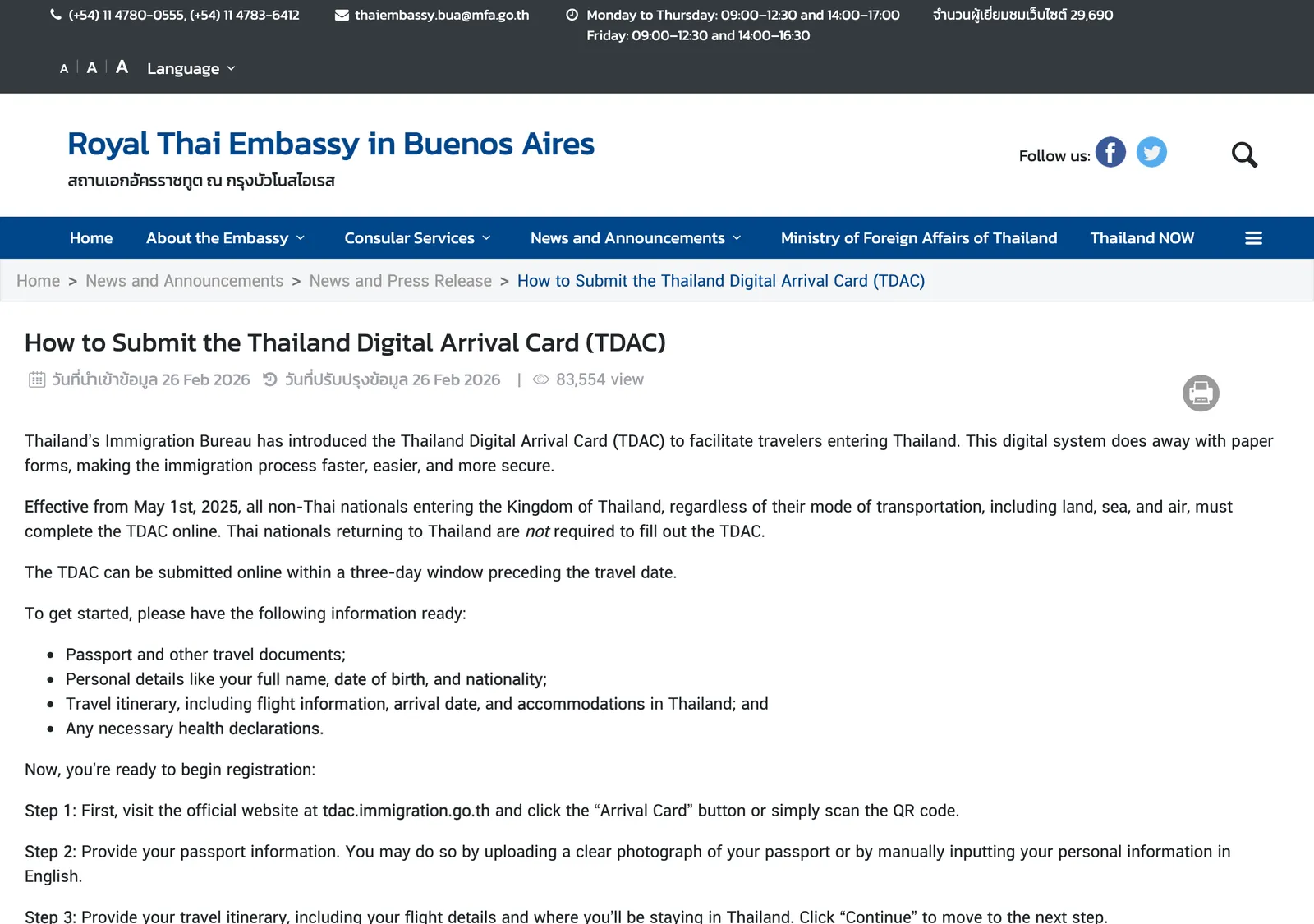
The TDAC is free of charge, and travellers should be wary of any website charging administrative fees. The official site is titled as requiring no fees. A card is valid for a single entry, so you submit a new one for every entry into Thailand.
Step by step on the official site
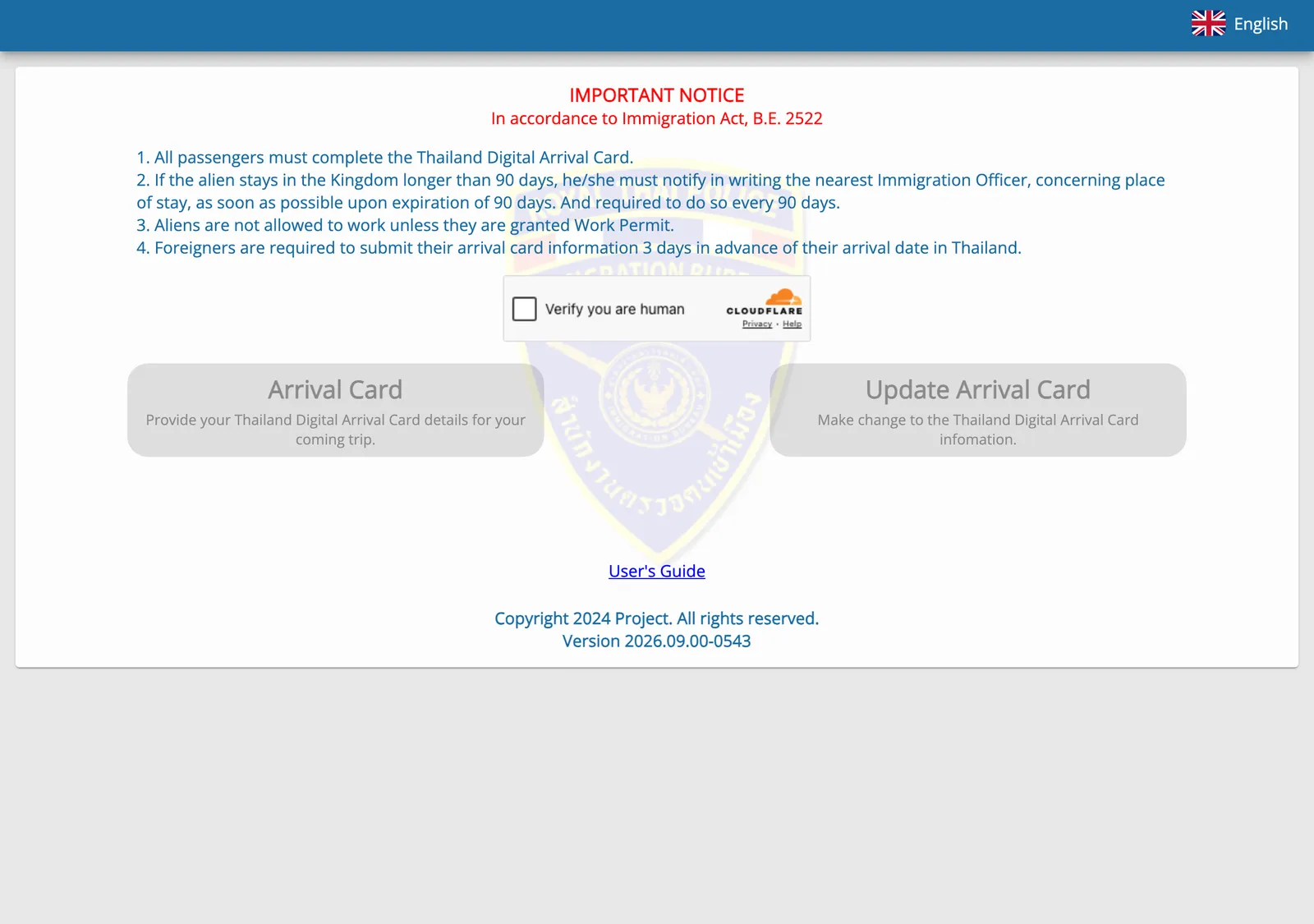
Use only the Immigration Bureau’s site, tdac.immigration.go.th. Start there and click Arrival Card or scan the QR code.
What to have ready
- Your passport and other travel documents.
- Your full name, date of birth and nationality.
- Your flight information, arrival date and accommodation in Thailand.
The steps
- Open the site and click Arrival Card, or scan the QR code.
- Give your passport information: upload a clear photograph of the passport, or type your personal information in English.
- Enter your travel itinerary, including flight details and where you will stay.
- Answer the health declaration if the system prompts you. It prompts people with specific nationalities, or travel history to areas identified as high risk for specific diseases within the last 14 days.
- If you travel with others, click Add and repeat the steps for each person.
- Review everything, then enter your email address, agree to the terms and conditions and click Submit.
- Download the evidence of your submission or check your email for the confirmation, and have it ready to present on arrival.
After you apply you receive a confirmation email with the TDAC as a QR code. The PDF can be printed or shown on a smartphone at the immigration checkpoint.
The health questions
The system prompts some nationalities, and travellers with a history in areas identified as high risk for specific diseases within the last 14 days, for additional health information. The embassy pages do not name those nationalities or areas, so the form decides: answer what it shows you.
A separate Ministry of Public Health rule covers yellow fever. A traveller who has travelled from or through a country declared a Yellow Fever Infected Area must provide an International Health Certificate showing a yellow fever vaccination. You present it to the immigration officer on arrival.
A national of a listed country who has not travelled from or through it needs no certificate, but should hold evidence that their domicile is not in an infected area.
The London embassy page behind this rule is dated 2022, so check the current list on your nearest Thai embassy page.
If something is wrong
The official site has an Update Arrival Card button for making changes to the information. If the email or QR code never arrives, notify the immigration officer at the checkpoint.
Filling it in at Chiang Mai Airport
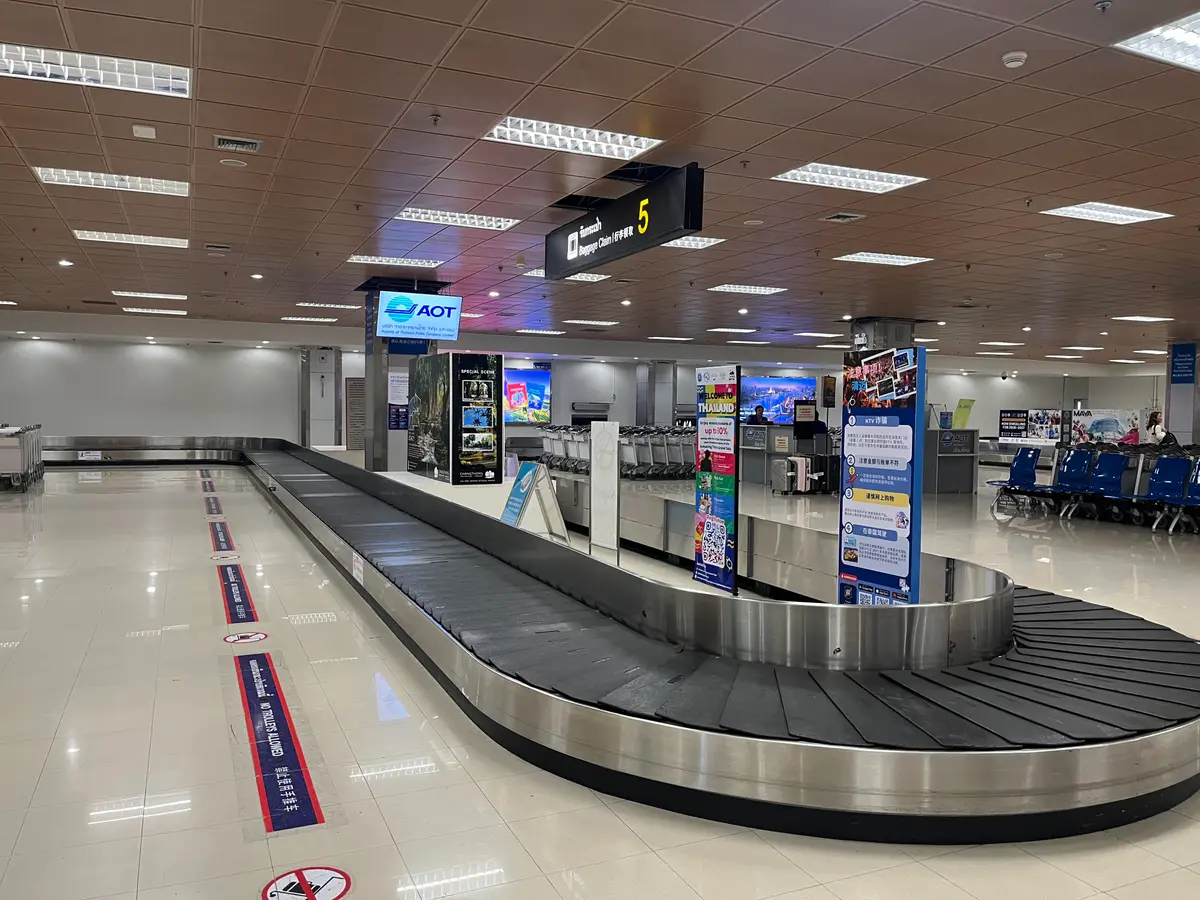
Several airports offer wifi for completing the form online, and kiosks for travellers whose device is unavailable. Chiang Mai Airport (CNX) is among the airports with TDAC kiosks. No terminal location or opening hours are published for them.
60 ถนน มหิดล Suthep, Mueang Chiang Mai District, Chiang Mai 50200, Thailand · Open in Google Maps (opens in a new tab)
After you land
At the checkpoint, show the QR code or the downloaded evidence.
Under the visa exemption scheme, eligible travellers can enter without a visa for up to 30 days, for tourism purposes only. The visa exemption guide explains the lists and how to extend, and the 2026 changes guide dates each change.
The official TDAC site also carries a separate notice on the 90-day address report. The address notification guide covers it.
Photo credits
- Photos and clips uploaded to Google Maps (Chiang Mai International Airport on Google Maps (opens in a new tab)) by Jordan Kuo, Gaga Bichon.
Step by step
- Open the official siteVisit tdac.immigration.go.th and click Arrival Card, or scan the QR code. Do it within 3 days before arrival.
- Enter your passport detailsUpload a clear photograph of your passport, or type your personal information in English.
- Add your tripGive your flight details and where you will stay in Thailand.
- Answer the health questionsSome nationalities, and travellers who visited high-risk areas in the last 14 days, are prompted for health information. Yellow fever rules sit under the health questions below.
- Add companionsIf you travel with others, click Add and repeat the steps for each person.
- Review, enter your email and submitEnter an email address to receive confirmation, agree to the terms and click Submit.
- Save your confirmationDownload the evidence of submission or keep the email, and have it ready to present on arrival.
Not confirmed: Which details stay locked once you submit. Open Update Arrival Card on the official site before you fly and test it. Where the Chiang Mai kiosks stand and when they run. Ask airport staff.
Reach readers planning life in Chiang Mai. Advertise → hello@chiangmaijao.com
Common questions
Is the TDAC free?
The TDAC can be completed free of charge. The official site carries the title Official Thailand Digital Arrival Card, No Fees Required.
How early can I submit the TDAC?
Foreigners must submit the arrival card information 3 days in advance of their arrival date. The Buenos Aires embassy words it as a three-day window preceding the travel date, and a TDAC is valid for a single entry, up to 72 hours before entry. An earlier card falls outside the window.
Do children need their own TDAC?
All travellers submit a TDAC, including children and infants. A parent or guardian completes the form on the child's behalf.
Do I need a TDAC if I only change planes in Thailand?
Only travellers passing through the immigration checkpoint and leaving the airport need to submit a TDAC. Transit passengers who stay airside are the exception, because they transfer without passing through immigration control.
What if I never receive the confirmation email or QR code?
Notify the immigration officer at the immigration checkpoint.
Can I change my details after I submit?
The official site has an Update Arrival Card option for making changes.
Do I need a new TDAC for every trip?
A new TDAC is submitted for every entry into Thailand.
Is a TDAC the same as a visa?
The form is not a visa, but an immigration requirement. Travellers who need a visa still apply for one.
Is there a TDAC kiosk at Chiang Mai Airport?
Chiang Mai Airport (CNX) is listed among the airports with TDAC kiosks. Several airports also offer wifi for completing the form online.
Read next
Places in this guide
General information checked against the sources listed above, not legal advice for your situation. Rules and office practice change; confirm with the immigration office or a licensed adviser before you act. See how guides are checked.
Spotted an error? Report it.